01
Scroll the deck in one column
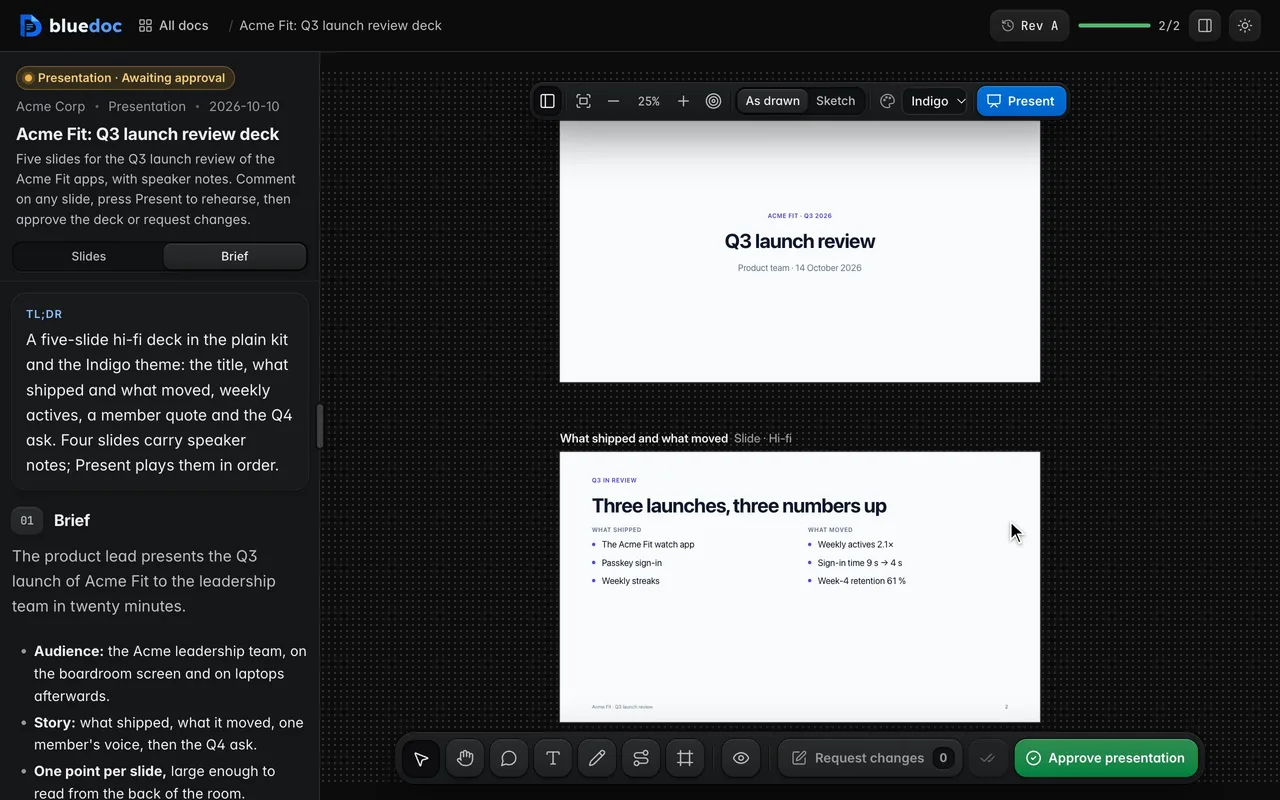
The board stacks the slides top to bottom in deck order, the order Present plays them, beside the brief.
Doc type"type": "presentation"
A slide deck you rehearse, mark up and approve.
A presentation is a deck of 16:9 HTML slides, stacked in the order they play. Present plays it full-window with the speaker notes one key away, and each comment names the element on the slide it is about.
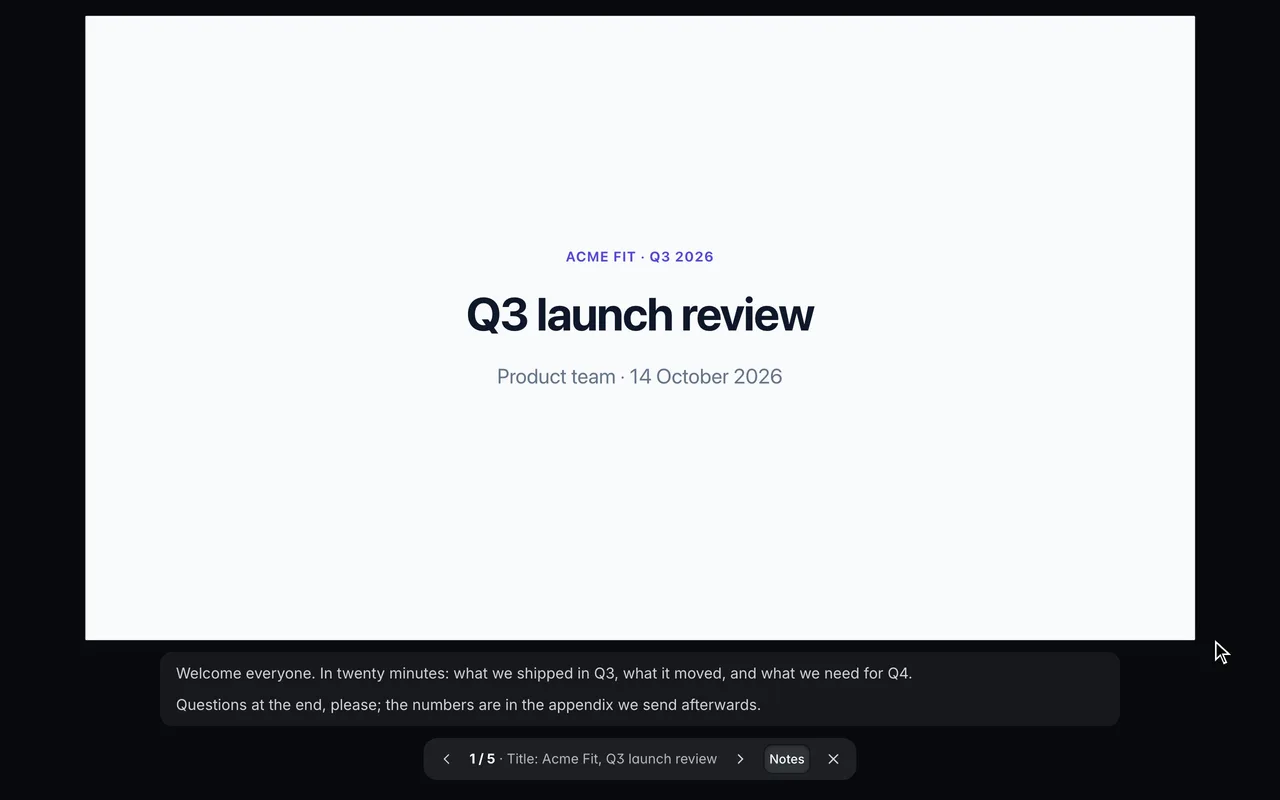
Present the deck full-window. Present plays the slides one at a time, each as large as the window allows. ← → step through them and Esc leaves.
What it’s for
The plain kit’s slide classes cover most decks, and the theme pick colours every slide at once.
An eyebrow line over the slide’s one point.
36 px text, with accent bullets on its lists.
Equal columns, one per child: points beside a number.
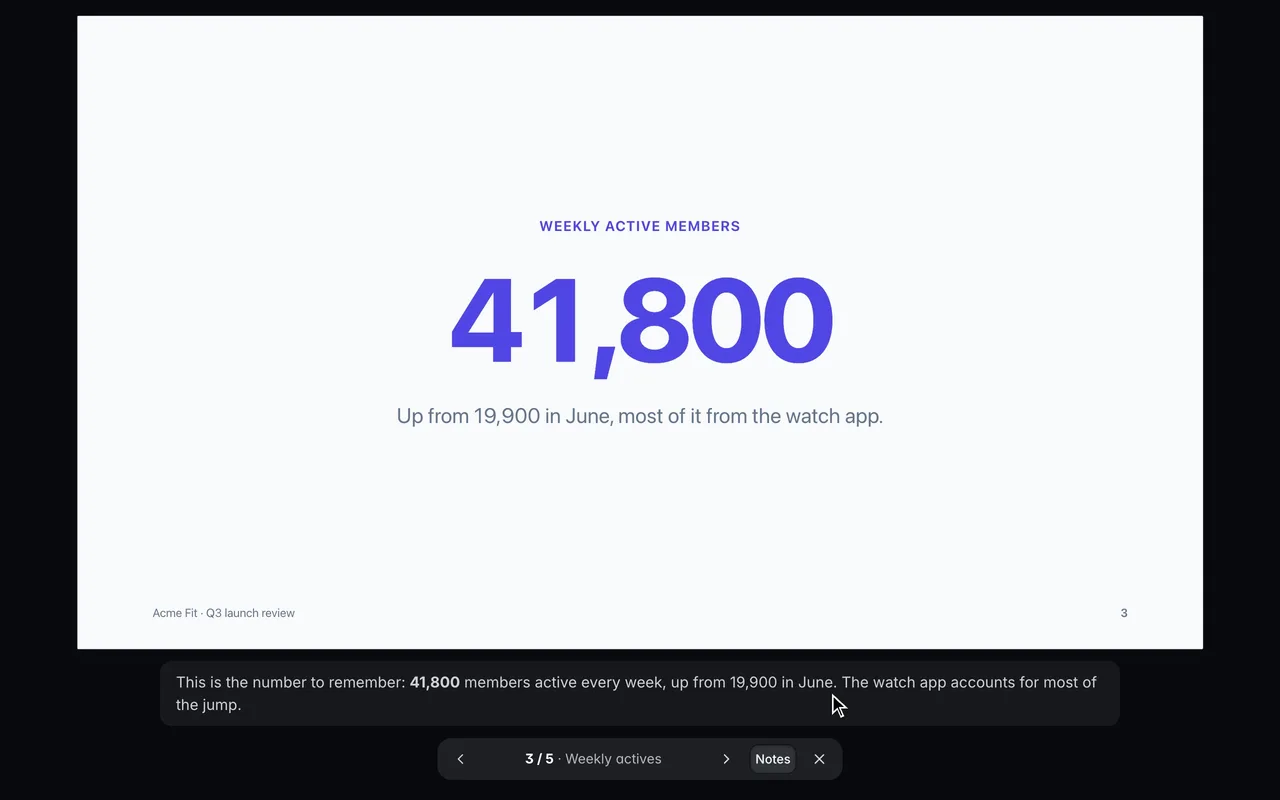
One stat, as large as the slide allows.
A member’s or a customer’s words, set large.
Features
01
The board stacks the slides top to bottom in deck order, the order Present plays them, beside the brief.
02
Each slide’s notes are Markdown in the doc, never on the slide. In Present, N shows them under it.
03
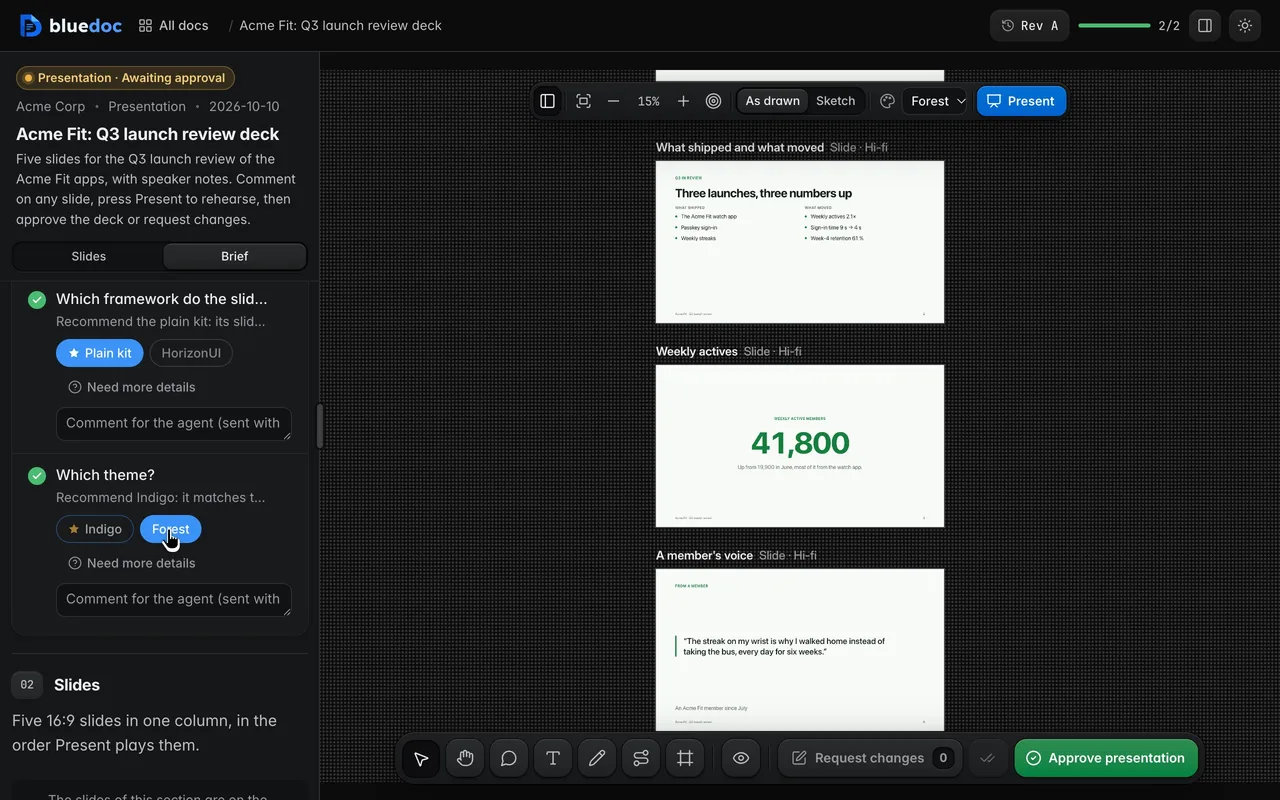
The brief’s theme pick re-skins every slide at once. Sketch redraws the deck hand-drawn for a rough first pass.
04
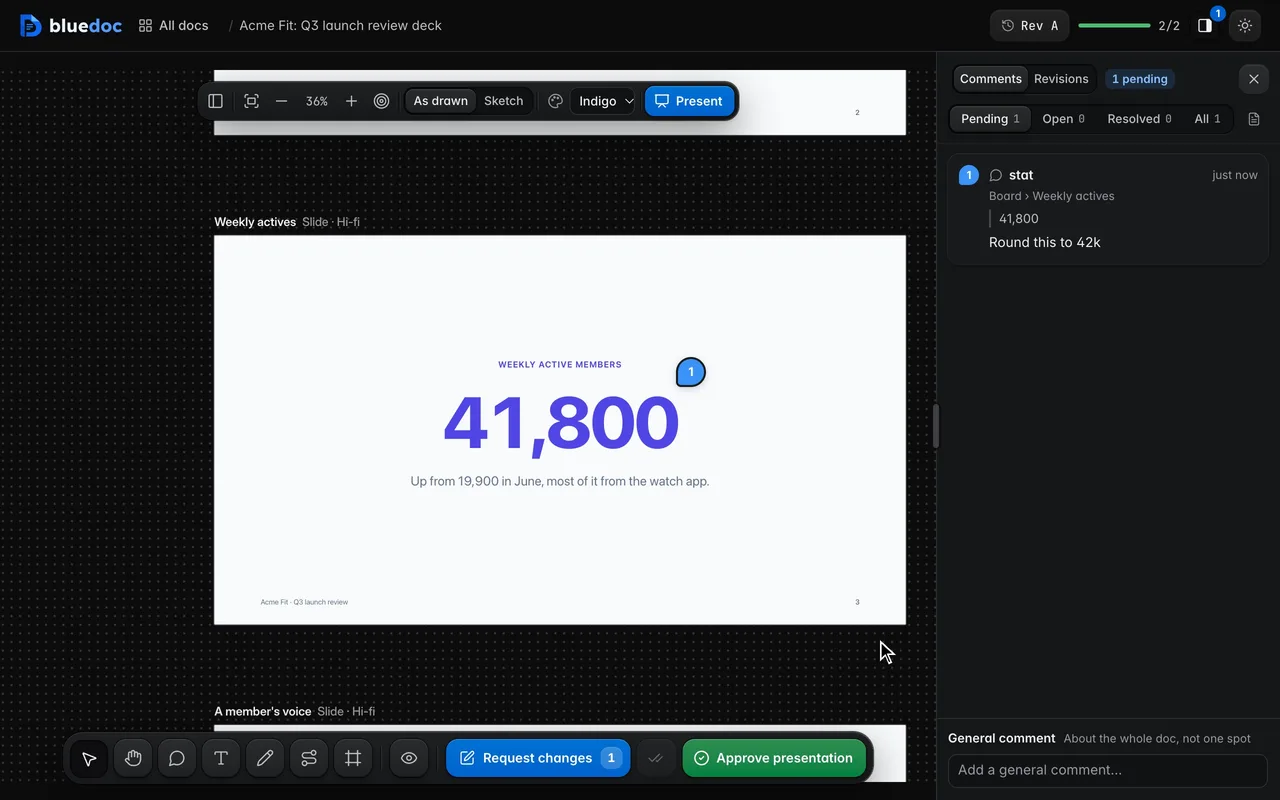
Point at an element on a slide. The comment’s key names the slide and the element, so the agent edits that element in that file.
05
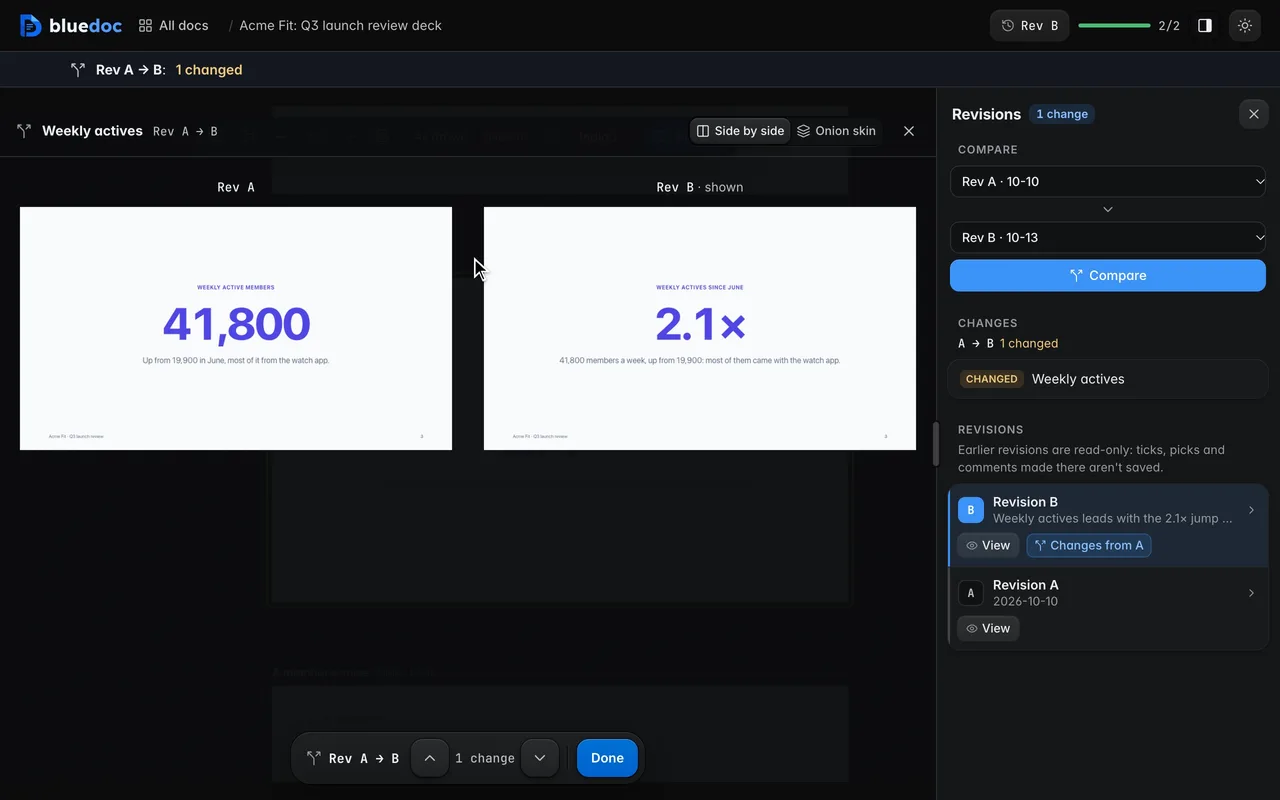
The Revisions tab puts a slide at two revisions side by side, or lays one over the other as an onion skin.
06
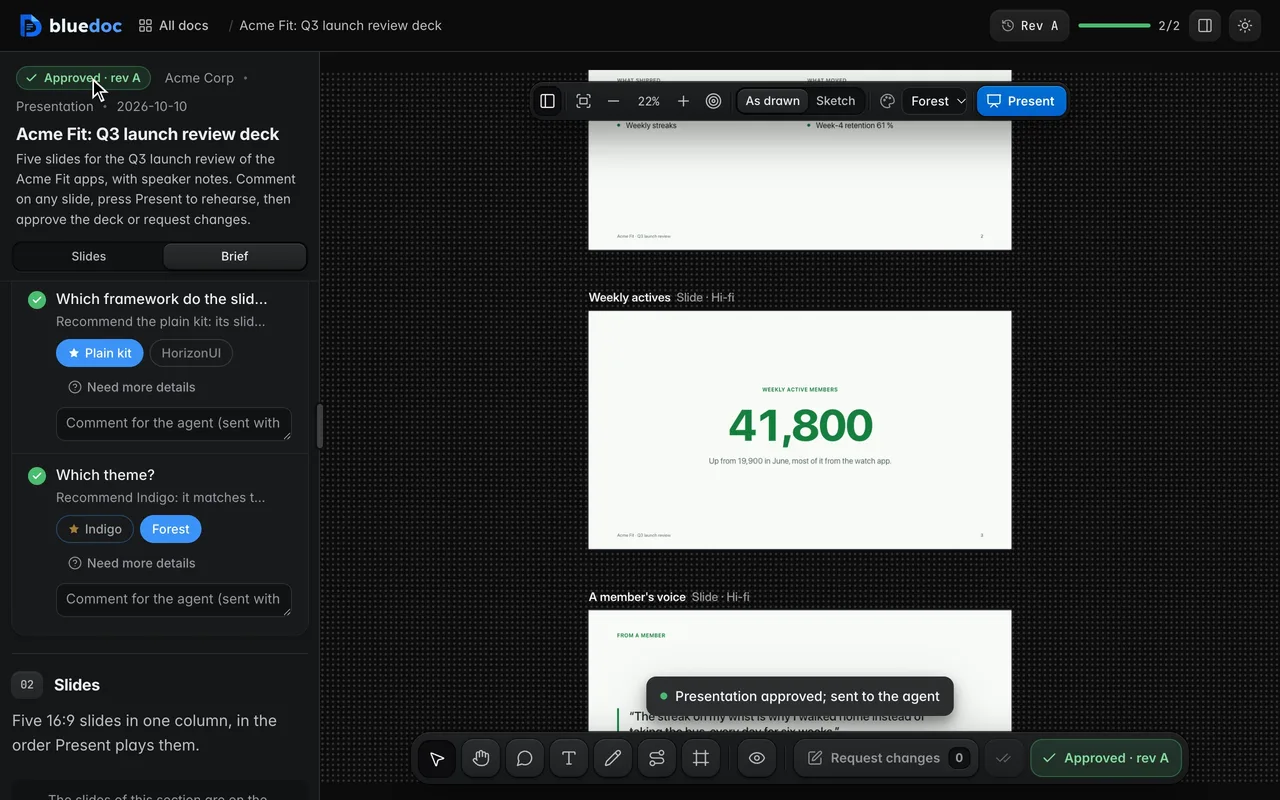
Approve presentation records the approval and your picks on this revision. An edit to any slide asks for approval again.
Works on every doc
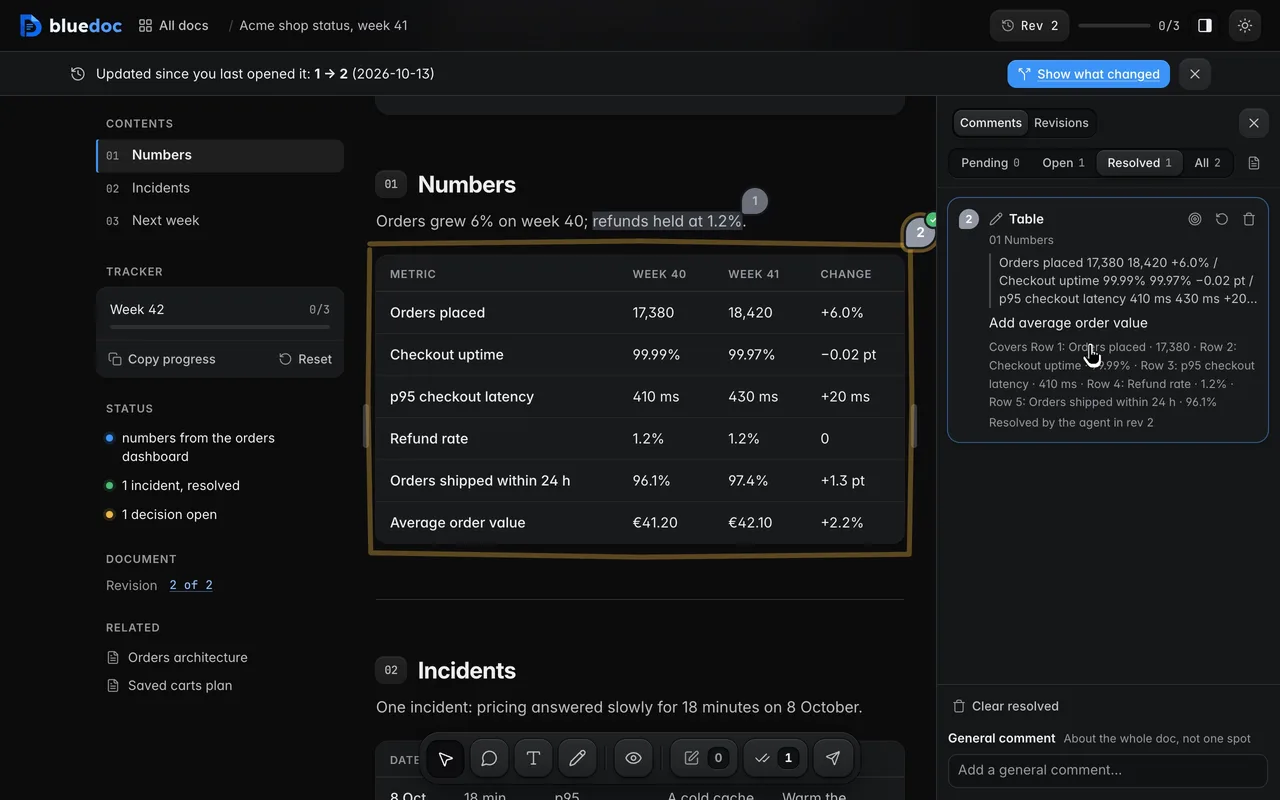
Notes go from Pending to Open when sent, and to Resolved when the agent’s revision says it dealt with them.
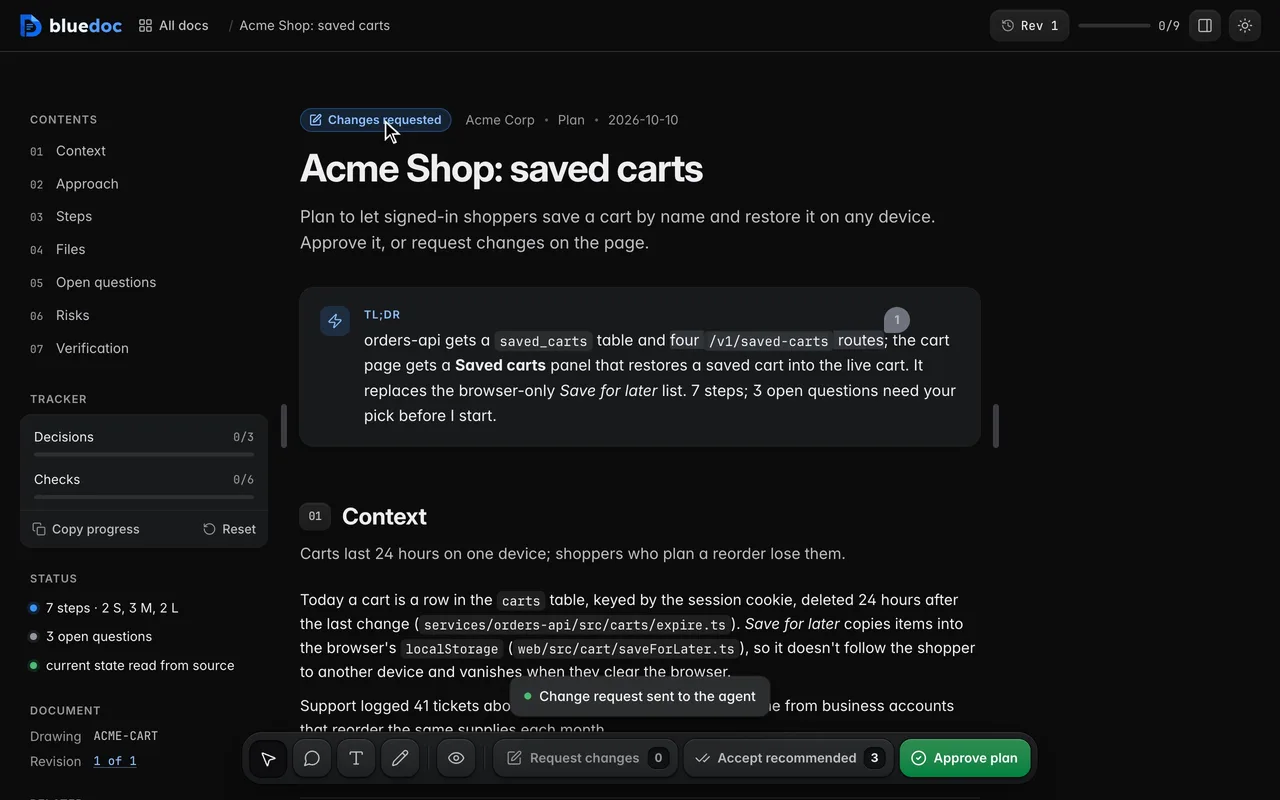
Request changes previews your notes as Markdown, then sends them in one go.
How the agent uses it
Each slide is a slide artboard in the doc and a small HTML fragment in the deck’s .design folder. Speaker notes go in the artboard’s notes, never on the slide.
python3 <skill>/scripts/build.py new presentation docs/decks/q3-review.bluedoc.json --title "Acme Fit: Q3 launch review"python3 <skill>/scripts/build.py docs/decks/q3-review.bluedoc.jsonpython3 <skill>/scripts/serve.py open docs/decks/q3-review.bluedoc.jsonpython3 <skill>/scripts/serve.py wait docs/decks/q3-review.bluedoc.json --kind any{ "id": "actives", "title": "Weekly actives", "device": "slide", "fidelity": "hifi", "notes": "This is the number to remember: **41,800** members active every week, up from 19,900 in June."}<section class="slide center" data-bd="actives"> <p class="slide-kicker" data-bd="kicker">Weekly active members</p> <p class="slide-big" data-bd="stat">41,800</p> <p class="slide-body muted" data-bd="context">Up from 19,900 in June, most of it from the watch app.</p> <footer class="slide-foot" data-n="3" data-bd="foot">Acme Fit · Q3 launch review</footer></section>The server wraps each slide in the plain kit, so the agent never writes <head> or tokens. The build fails on any artboard that isn’t a slide.
Install
Each one installs the same skill from the GitHub repository.
claude plugin marketplace add andreiverdes/bluedocclaude plugin install bluedoc@bluedocInside a session the same commands are /plugin marketplace add andreiverdes/bluedoc and /plugin install bluedoc@bluedoc. Start a new session to load the skill.
codex plugin marketplace add andreiverdes/bluedoccodex plugin add bluedoc@bluedocRestart Codex. Mention the skill with $bluedoc or let Codex pick it from your request. Plan mode (/plan) opens the plan as a page; the README has the sandbox lines that skip the approval prompts.
pi install git:github.com/andreiverdes/bluedocRestart pi. /bluedoc-plan-mode turns on plan mode, and the plan opens as a page for your approval.
omp plugin marketplace add andreiverdes/bluedocomp plugin install bluedoc@bluedocRun /reload-plugins in an open session, or start a new one. omp’s plan reviews open as pages: Approve runs the plan, Request changes refines it.
copilot plugin install andreiverdes/bluedocStart a new session. When Copilot leaves plan mode, its plan opens as a page and waits for your approval.
git clone https://github.com/andreiverdes/bluedoc.gitagy plugin install bluedoc/antigravityRestart agy. In plan mode (agy --mode plan or /plan), the implementation plan opens as a page for your approval.
npx skills add andreiverdes/bluedocFor any other agent that reads skills. Or clone the repository and link skills/bluedoc into your agent’s skills folder.
Other doc types

Architecture pages, walkthroughs, runbooks, setup guides and change proposals.

A plan you approve or send back before the agent writes code.

Review findings pinned to their lines from git, one decision per finding.

UI screens on a pan-and-zoom board, and app icons.

A site’s pages on a board, live from its dev server.

An app’s Google Play and App Store listing, checked against the stores’ rules.

Status pages, incident reports, inventories, meeting notes and comparisons.