bluedoc 1.1: what changed since 1.0
Everything since 1.0 in one place: a new app bar and dock, one answer card, one send dialog, sharing, export, charts, clearer reviews, new board tools and a home page for many projects.
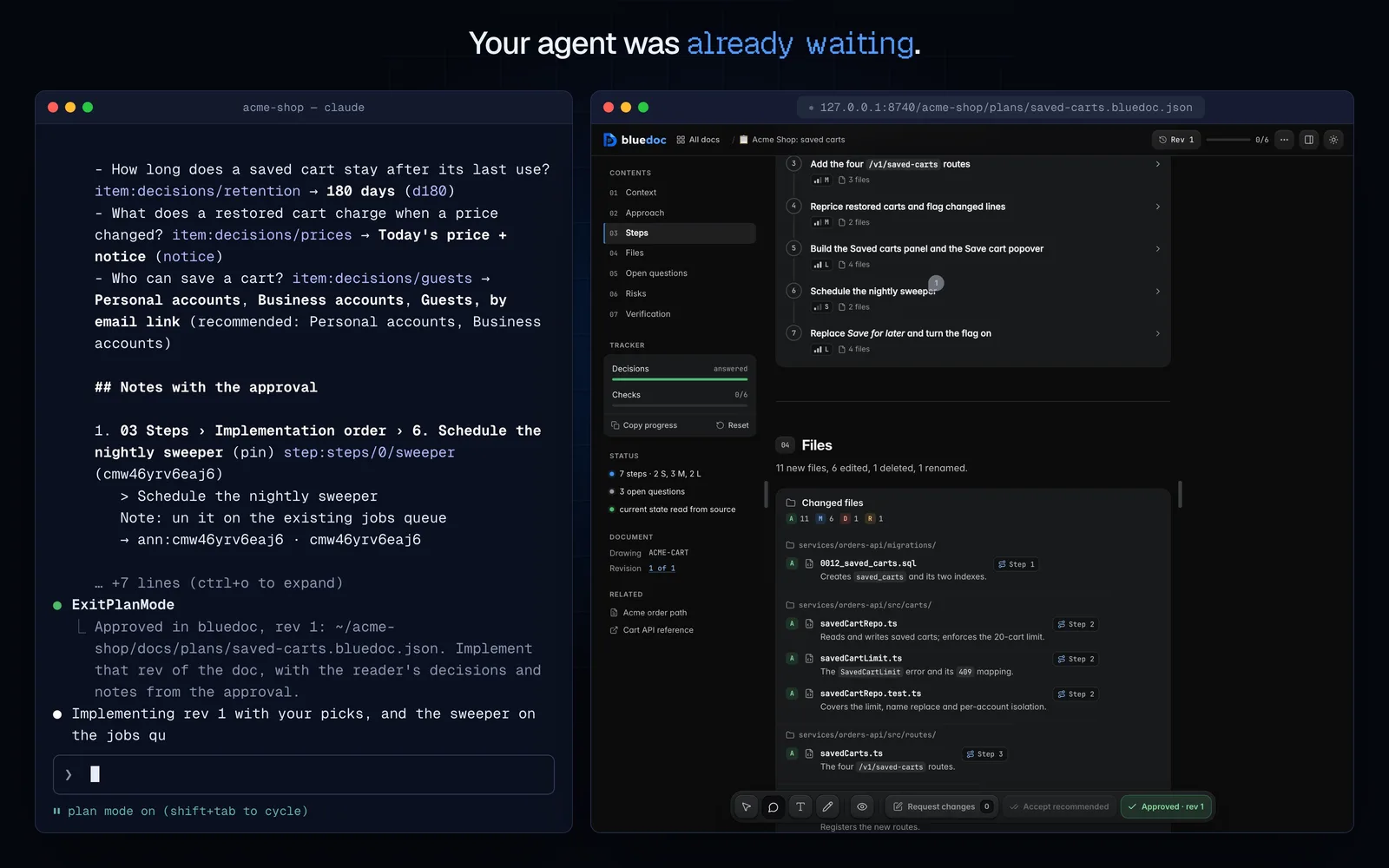
bluedoc 1.1 is out. It carries everything since 1.0: a new frame around every page, one card for every question, and a doc that can leave your machine as a link, a file or a PDF when you choose. Here is the short version, with links to the posts that go deeper.
The app bar
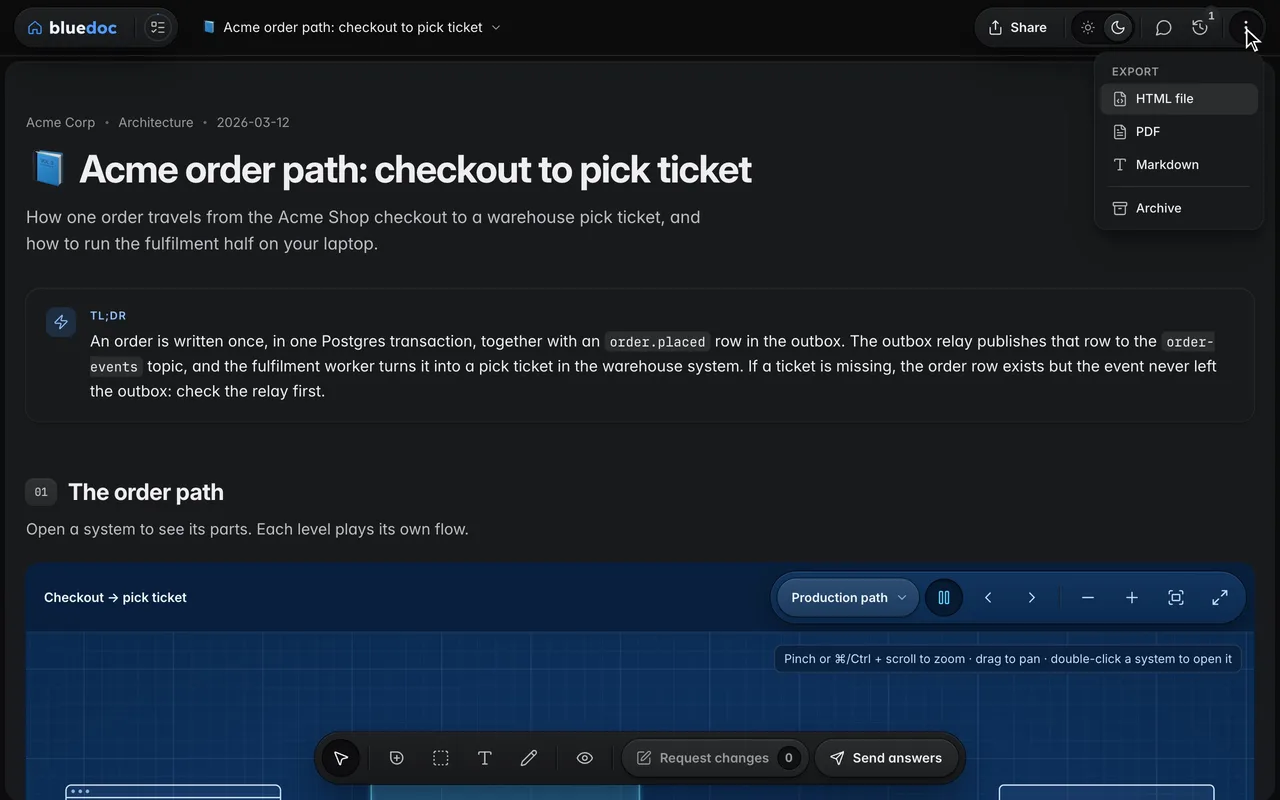
Every key now sits in one app bar. On the left: the home key, the left pane’s keys (Contents on a doc; Brief and Screens on a board) and the doc’s name, which opens a menu of the project’s docs. On the right: Share, the light/dark switch, Comments, Revisions and the ⋮ menu with Export and Archive. At the bottom, the dock holds View and the comment tools and ends in the key that names your next step. More in the post on the new look.
The answer card
Plan questions, design brief picks, review findings and multi-answer questions share one card. Answers are rows with the agent’s recommendation starred. Other is always the last answer, and Tell me more asks the agent for more before you decide. More details holds the question’s own detail and code, and each question keeps one conversation with the agent. More in the post on questions.
One send dialog
Approve, Request changes and Send answers, and a review’s Reply and fix, Post review and Apply decisions, open the same dialog: what goes to the agent, then a one-line note with attachments, then Copy and the send key. A plan with an unanswered question shows Answer it › and holds Approve until every question has an answer.
Sharing
Share puts the doc’s current revision in a secret GitHub gist through your own gh and gives you a short bluedoc.ai/g/ link. The page there is view-only, with nothing to install. When the agent writes a newer revision, Update puts it behind the same link. A colleague with bluedoc can press Make a copy, then Pull your next revision into their copy, with Take theirs where you both changed something. Anyone with the link can read a secret gist, so check the doc before you share. More in the post on sharing.
Export
Export, in the ⋮ menu, saves the revision you’re viewing as an HTML file that opens without the server, as a PDF, or as Markdown. Decks and store listings keep their own Export to…, and a shared page has Download instead.
Charts
A chart block draws stat cards, lines and areas, bars, ranked bars, a donut and progress rows in the page itself, in dark and light. The agent writes the numbers; you hover for the values. More in the post on charts.
Review views
Findings read three ways: Checklist, Diff, and Merged, which puts each finding under its lines. Each PR has its own toolbar: All · Open · Done with counts, Accept recommended, Expand all, and Copy and Reset under ⋯. Finished PR cards and answered findings fold away, and the PR header stays on top while you scroll. The send key follows who owns the PR: Apply decisions, Post review or Reply and fix. More in the post on reviews.
Board tools and compare
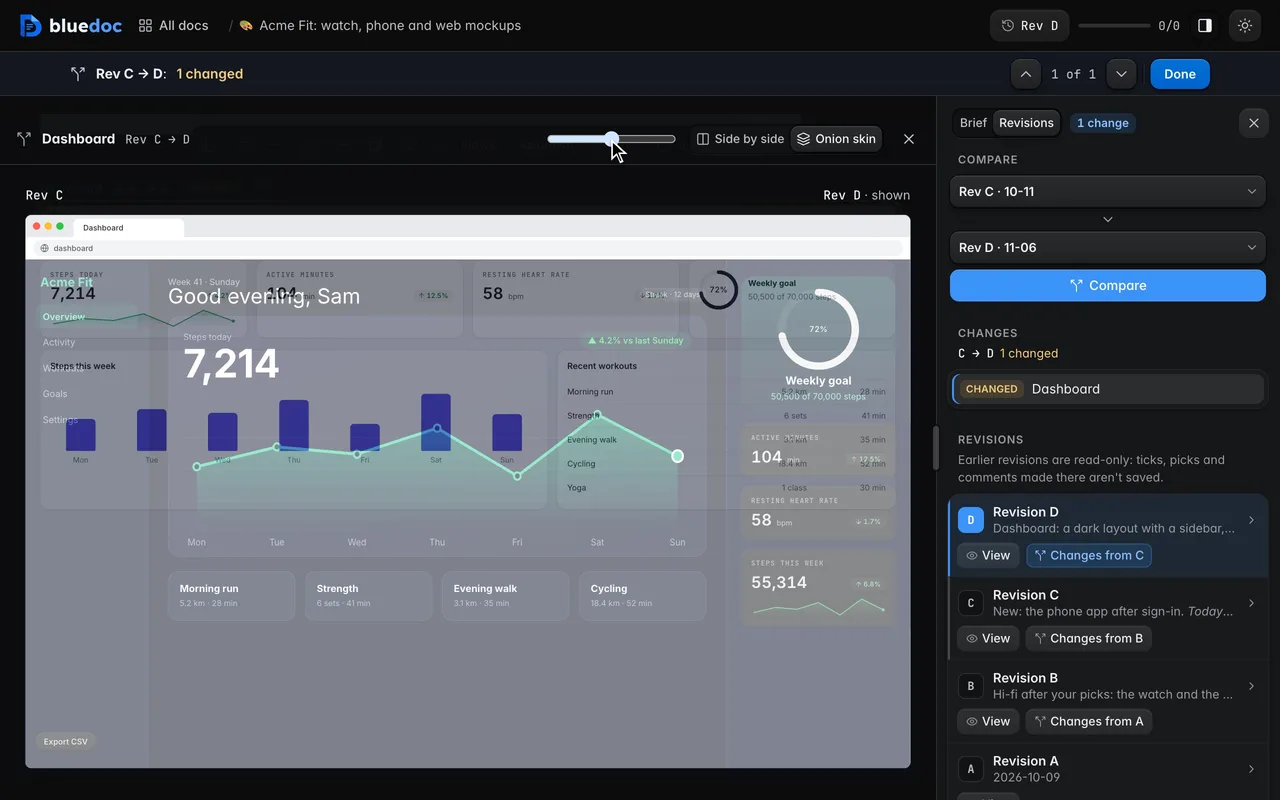
On designs, decks and websites the dock holds Element, Region, Text and Pen, plus Link and Frame. Double-click a screen’s text to edit it in place. Present is where you click through screens. Marks stay where you drew them and follow their screen when it moves. A changed screen’s Compare opens both revisions between the panes, side by side or as an onion skin with a slider.
The home page
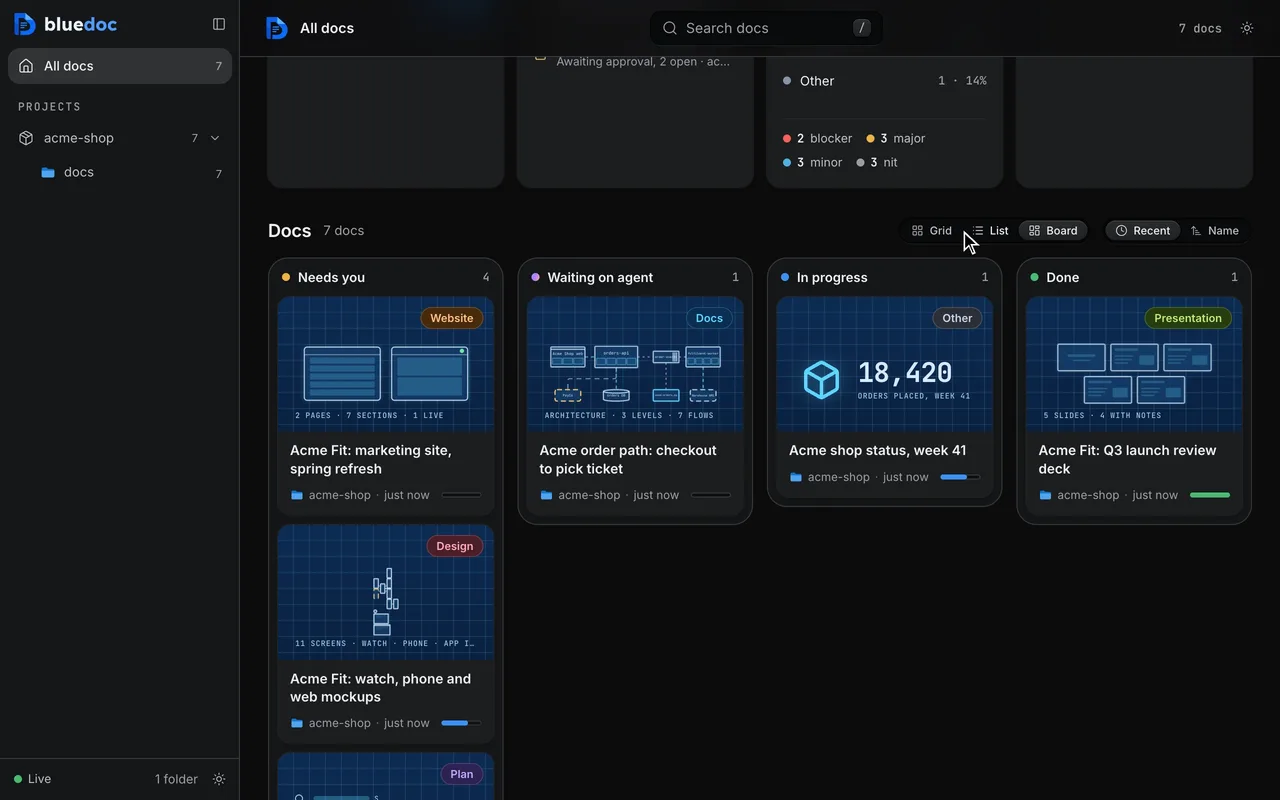
The home page is built for many projects. The sidebar lists them with a Pinned group on top, and each project’s ⋯ menu sets its name and icon. Docs show as Cards or Rows: Rows is a table grouped by date, and a row opens in place with what’s decided and what’s left. Statistics covers activity, decisions and what waits on the agent over 7, 14, 30 or 90 days.
To update in Claude Code, run claude plugin marketplace update bluedoc, then claude plugin update bluedoc@bluedoc; the README’s Update and remove table has the commands for every other agent.