Share a bluedoc with a link
Share puts the current revision in a secret gist on your own GitHub and gives you a bluedoc.ai link that opens view-only in any browser. Anyone with bluedoc can make a copy and pull your updates.
A bluedoc lives on your machine. Sometimes, though, a plan or a review has to reach someone who wasn’t in the session. That is what Share is for.
What Share does
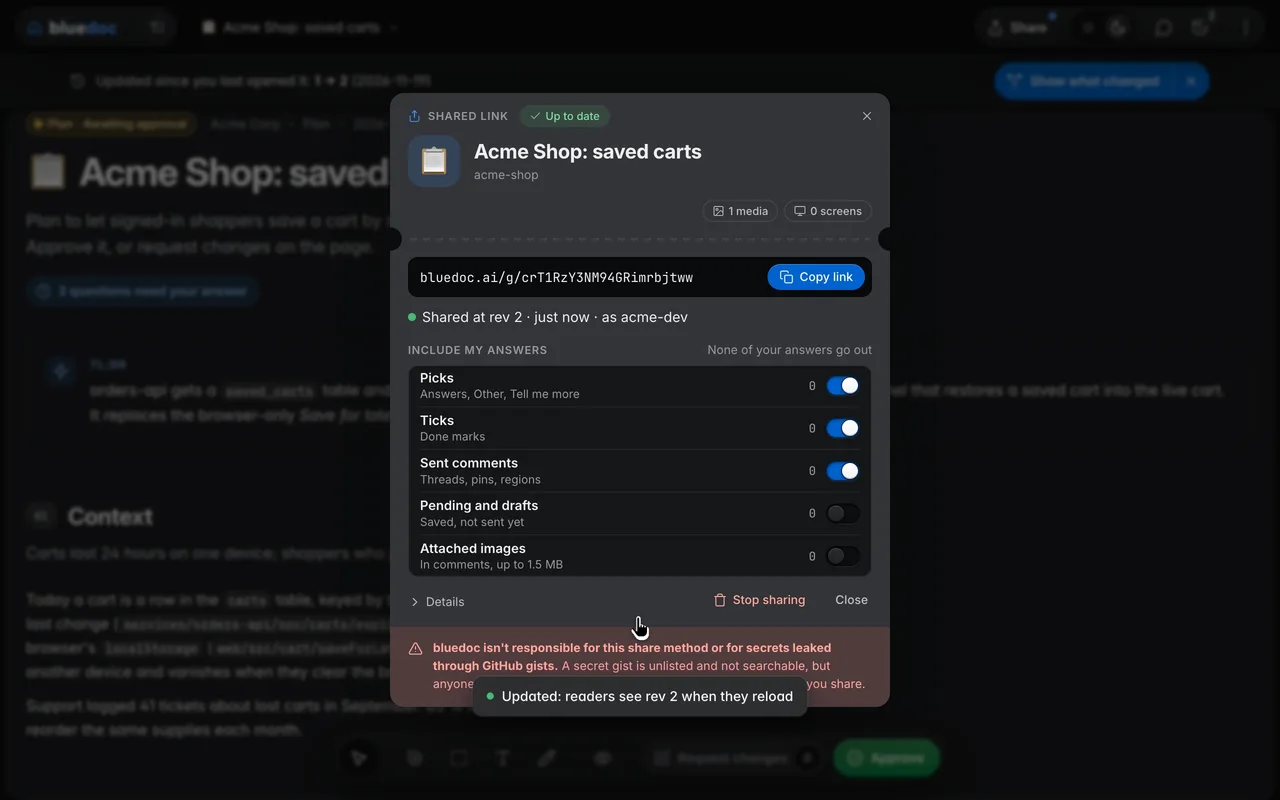
Press Share in the app bar and bluedoc puts the doc’s current revision in a secret gist on your own GitHub account, through gh, then copies a short bluedoc.ai/g/ link that opens in any browser.
Share works on docs, plans, reviews, status pages, designs and websites. With more than one gh account signed in, Share as picks the account for the project and remembers it.
What leaves your machine, and when
Nothing goes out until you press Share, or ask your agent to share the doc. Then the gist gets:
- The doc as it is now. Earlier revisions stay with you.
- The images and screens the page shows.
- Your answers, as far as you let them. Include my answers in the share sheet has a switch per kind: picks, ticks and sent comments start on; pending comments, drafts and attached images start off. No local file path goes out.
A secret gist is unlisted and not searchable, but anyone with the link can read it, so check the doc for secrets first. Stop sharing deletes the gist.
On bluedoc.ai, the reader’s browser fetches the gist straight from GitHub and keeps only view settings, such as the theme, in that browser.
Update when you’re ready
The link keeps the revision you shared. When the agent writes a newer one, the Share key reads Update, with the revisions in a small well: 21 → 22. Press it, then Update in the sheet, and the new revision goes behind the same link. Nothing else updates the gist, except your agent when you ask it to share.
What the reader sees
The shared page is view-only: Shared · view only, no dock, the current revision only. Readers can read it, switch the theme, and pan and zoom a board. Answers you shared show read-only under your GitHub login, as in “acme-dev answered”.
Download saves the page as an HTML file, a PDF, Markdown or a bluedoc file (.zip). Copy gist link copies the gist’s address on GitHub.
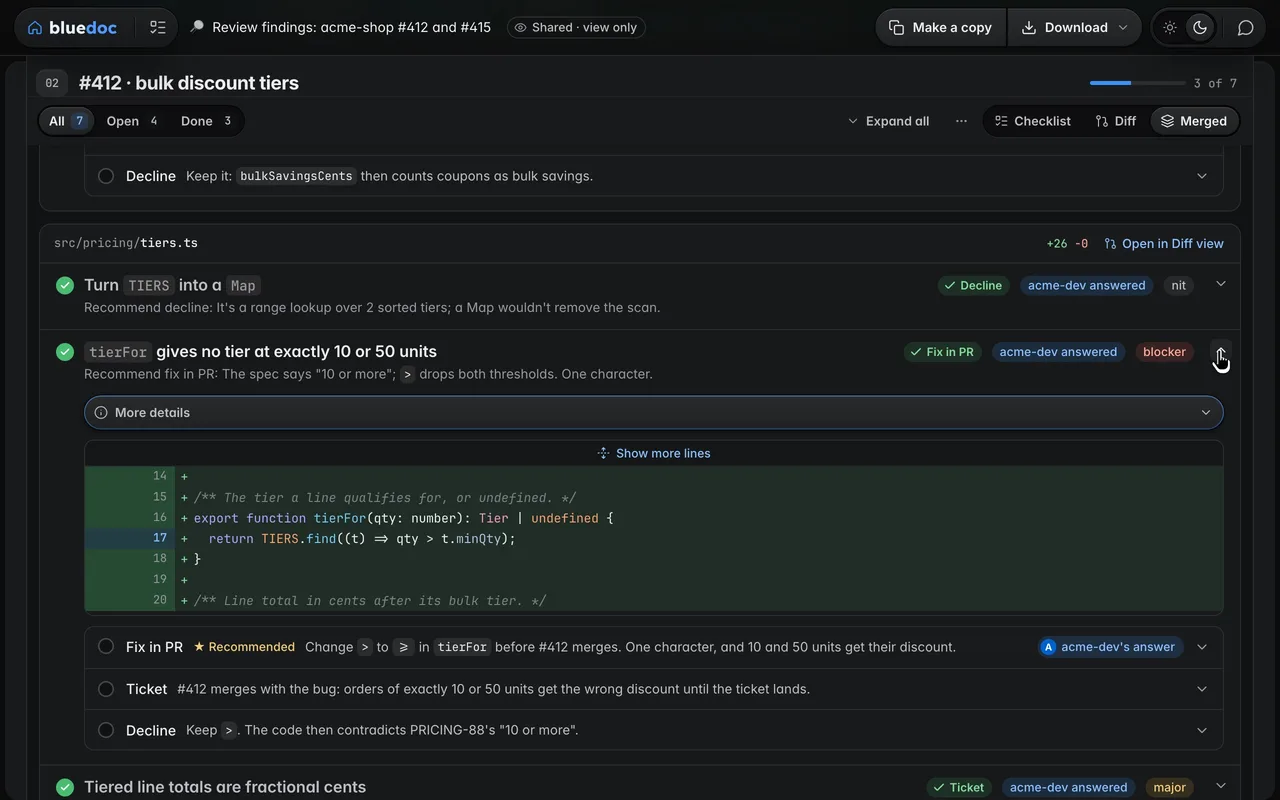
Make a copy
A reader who has bluedoc can press Make a copy. Open in my bluedoc opens their local bluedoc, shows what it will write, and saves only when they press Save; with no server running, they can copy a line for their agent instead. The copy lands in their repo with its images and screens and says whose it was: “Copied from acme-dev’s plan, rev 3”. From then on it is theirs; nothing goes back to you.
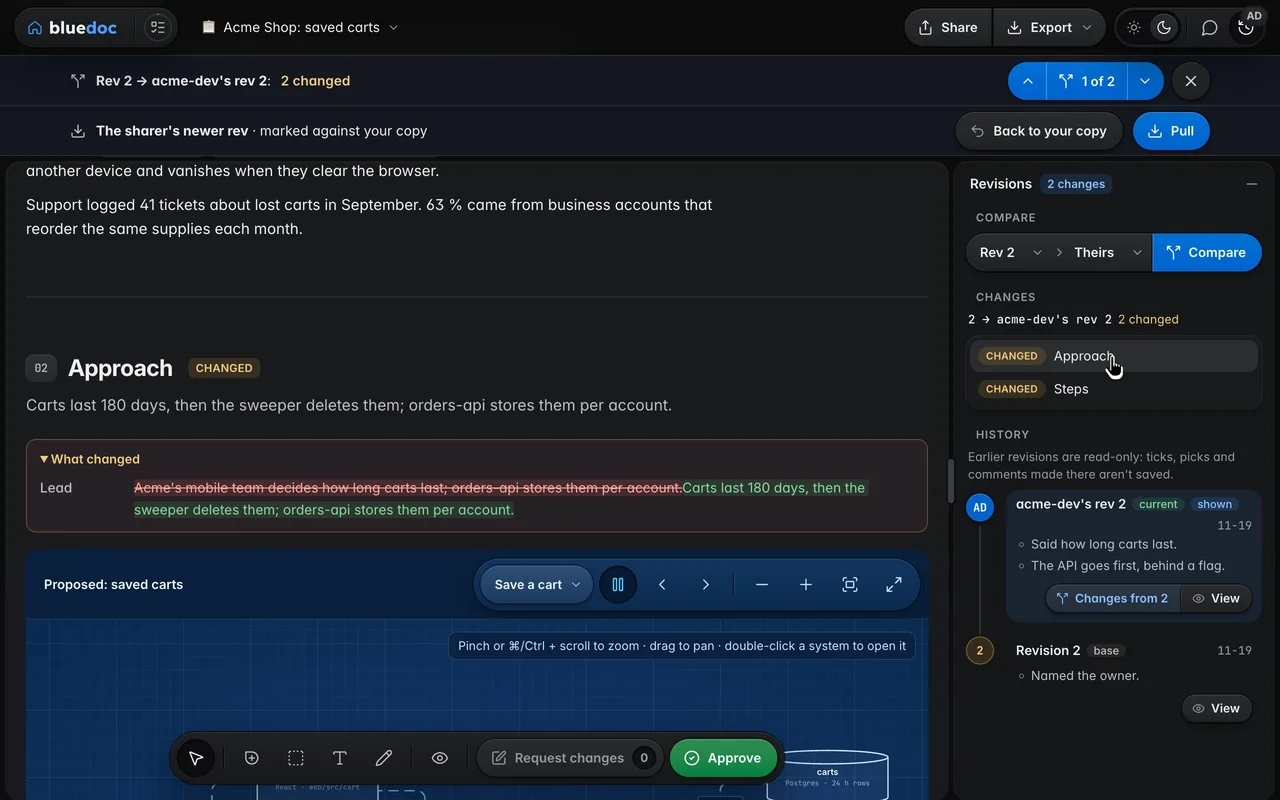
When you update your share, their copy says “acme-dev updated this to rev 5”, with Compare and Pull. Compare draws your revision over their copy. Pull merges it into a new revision; a part you both changed keeps theirs and is listed under Review, where Take theirs puts yours in.